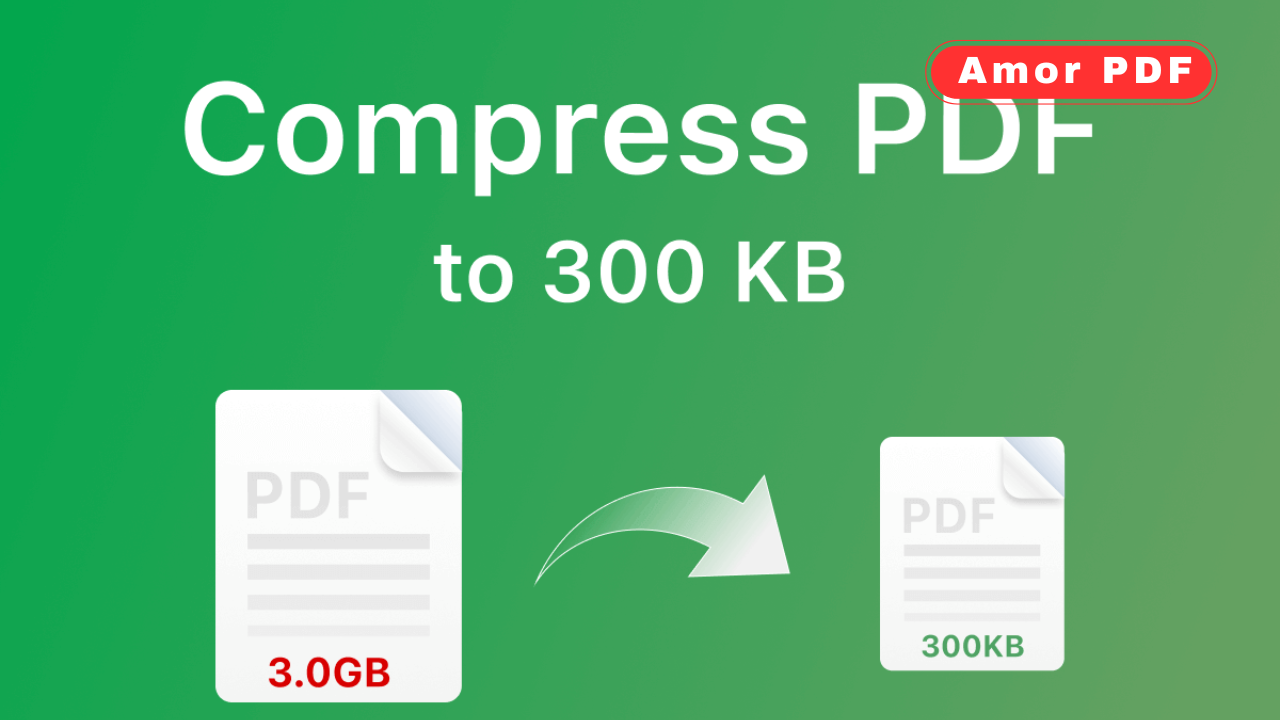
PDF files are widely used for sharing documents because they preserve formatting across all devices. However, large PDF file sizes can create serious problems. They are difficult to upload, slow to download, and often rejected by email services or online platforms.
This is why learning how to reduce PDF file size without losing quality is essential for students, professionals, and businesses alike. Check More Here: Use PDF Tools Online With No Ads in 2025
In this guide, you will learn why PDF files become large, how compression works, and the most effective ways to reduce PDF size while keeping text sharp, images clear, and layouts intact. This article focuses on practical solutions that anyone can use, even without technical knowledge.
Why PDF files become too large
Before reducing a PDF file size, it is important to understand what makes a PDF heavy. Several factors contribute to large PDFs.
High-resolution images are one of the main reasons. Scanned documents and image-based PDFs often include images with unnecessary resolution. Embedded fonts can also increase file size, especially when multiple font styles are used. Additionally, PDFs may contain hidden metadata, unused objects, or layers that add extra weight without visible benefit.
Understanding these factors helps choose the right compression method without sacrificing quality.
What does “reducing PDF size without losing quality” mean
Reducing PDF size without losing quality means compressing the file in a smart way. Instead of aggressively lowering resolution or removing content, modern compression techniques optimize images, remove redundant data, and restructure the PDF internally.
The goal is to make the file smaller while keeping:
- Text readable and sharp
- Images clear and detailed
- Layout and formatting unchanged
- Fonts properly embedded
This balance is especially important for business documents, contracts, resumes, and academic files.
Common problems caused by large PDF files
Large PDF files can create several issues in daily use. They take longer to upload or download, especially on slow internet connections. Email providers often block attachments above a certain size limit. Large PDFs also consume unnecessary storage space and can slow down document management systems.
Reducing PDF file size improves performance, compatibility, and sharing efficiency.
Methods to reduce PDF file size
There are several ways to reduce PDF size, ranging from manual optimization to automated online tools. Each method has its own advantages depending on the type of document.
Compress images inside the PDF
Images usually occupy the largest portion of a PDF file. Compressing them properly can significantly reduce file size. Smart compression reduces image resolution only where it is not noticeable and applies efficient encoding formats.
Modern PDF compression tools automatically detect images and optimize them without affecting visible quality.
Remove unnecessary metadata
PDF files often contain metadata such as author information, creation history, and editing details. While useful in some cases, this data is not always necessary and increases file size.
Removing metadata helps reduce file size slightly while also improving privacy.
Optimize fonts and embedded resources
Some PDFs embed entire font families even if only a few characters are used. Optimizing font embedding ensures that only required font subsets are included.
This technique reduces file size without changing the appearance of text.
Flatten layers and annotations
PDFs created from design software may contain layers, comments, or annotations that are not required for final use. Flattening these elements merges them into the main content, reducing complexity and file size.
This is particularly useful for finalized documents.
Convert scanned PDFs efficiently
Scanned PDFs are usually image-based and very large. Applying OCR (Optical Character Recognition) converts images into searchable text, dramatically reducing file size while improving usability.
OCR-based optimization is ideal for scanned contracts, books, and invoices.
Why online PDF compression tools are the best option
For most users, online PDF compression tools offer the easiest and safest solution. They do not require software installation, work on all devices, and handle complex optimization automatically.
A good online PDF compressor focuses on:
- Lossless or smart compression
- Secure file handling
- Fast processing
- Easy-to-use interface
These tools are suitable for both casual and professional users.
How to reduce PDF file size using AmorPDF
AmorPDF provides a simple and effective way to reduce PDF file size without losing quality. The process is straightforward and requires no technical expertise.
First, upload your PDF file to the compression tool. The system automatically analyzes the document structure, images, fonts, and metadata. It then applies optimized compression techniques that preserve visual quality while reducing file size.
Once compression is complete, you can download the optimized PDF instantly. The layout, text clarity, and image quality remain intact.
Benefits of using AmorPDF for PDF compression
Using AmorPDF offers several advantages. It maintains high-quality output while significantly reducing file size. The tool works directly in the browser, making it accessible from any device.
Other benefits include:
- No watermark added
- No software installation
- Secure file handling
- Fast processing
- User-friendly design
These features make it suitable for everyday and professional use.
Best practices to keep PDF quality intact
To ensure the best results when reducing PDF file size, follow these best practices. Avoid repeatedly compressing the same file, as this may degrade quality over time. Always keep an original backup before compression.
Choose smart compression instead of aggressive compression settings. This preserves image clarity and text sharpness. Use reliable tools that prioritize quality over extreme size reduction.
When you should reduce PDF file size
Reducing PDF size is recommended in many situations. When sending documents via email, uploading files to websites, sharing files on cloud storage, or archiving documents, smaller PDFs improve efficiency.
It is also essential when submitting resumes, academic papers, legal documents, or business proposals that must meet strict size limits.
Difference between lossless and lossy PDF compression
Lossless compression reduces file size without removing any visible information. It is ideal for documents where quality is critical. Lossy compression reduces size more aggressively by slightly lowering image quality, which may not always be noticeable.
For professional documents, lossless or smart compression is always recommended.
Reduce PDF size on different devices
PDF compression is no longer limited to desktop software. Online tools allow users to reduce PDF size on Windows, macOS, Linux, tablets, and smartphones.
This flexibility is especially useful for remote work and mobile productivity.
Security and privacy when compressing PDFs online
Security is a common concern when uploading documents online. Trusted PDF tools use encrypted connections and automatically delete files after processing.
Always choose platforms that prioritize user privacy and data protection.
Conclusion
Reducing PDF file size without losing quality is essential for efficient document sharing and storage. By optimizing images, fonts, and internal structure, PDFs can become significantly smaller while remaining clear and professional. Online tools simplify this process, making high-quality compression accessible to everyone. Using a reliable PDF compressor ensures that your documents remain sharp, readable, and easy to share across platforms. For a deeper technical understanding of how PDF compression standards work, you can also explore documentation provided by Adobe at https://www.adobe.com.
FAQs
Can I reduce PDF file size without losing quality?
Yes, smart or lossless compression techniques allow you to reduce PDF size while keeping text and images clear.
Why is my scanned PDF so large?
Scanned PDFs are image-based and contain high-resolution images, which significantly increase file size.
Is online PDF compression safe?
Trusted platforms use secure connections and delete files automatically, making online compression safe for most users.
Will compressed PDFs look blurry?
With proper tools, compressed PDFs maintain sharp text and clear images without noticeable quality loss.
Do I need software to compress PDFs?
No, online tools allow you to compress PDFs directly in your browser without installing any software.