In 2026, the way people access and read PDF files has changed significantly. Users no longer want to download heavy software or install applications just to open a document.
Whether you are working on a shared computer, using a mobile device, or simply want a faster solution, using a PDF viewer without download has become the preferred choice. Check More Here:
Online PDF viewers allow users to open, read, and interact with PDF files directly in the browser. This guide explains how to use a PDF viewer without download in 2026, why it is beneficial, and what features you should expect from a modern online PDF viewing solution.
Why users prefer PDF viewers without download
Traditional PDF software often requires installation, regular updates, and consumes system resources. In contrast, online PDF viewers offer instant access with no setup required.
Users prefer no-download PDF viewers because they save time, reduce storage usage, and work across all devices. This is especially useful for remote work, education, and quick document reviews.
What is a no-download PDF viewer
A no-download PDF viewer is a web-based tool that allows users to open and view PDF files directly in a browser. These tools use modern web technologies to render PDF pages accurately without relying on local software.
They support common features such as zooming, page navigation, and text clarity, making them suitable for both casual and professional use.
Benefits of using an online PDF viewer in 2026
Using an online PDF viewer offers several advantages. It eliminates compatibility issues between different operating systems and ensures consistent viewing across devices.
Other benefits include faster access, reduced system load, and the ability to view PDFs securely without leaving files on the device. These tools are ideal for users who value convenience and efficiency.
Common situations where online PDF viewers are useful
Online PDF viewers are particularly useful in many everyday situations. Students can quickly open assignments without installing software. Professionals can review contracts or reports on shared or office computers.
They are also helpful when accessing PDFs on mobile devices or tablets, where installing additional apps may not be practical.
Features to expect from a modern PDF viewer
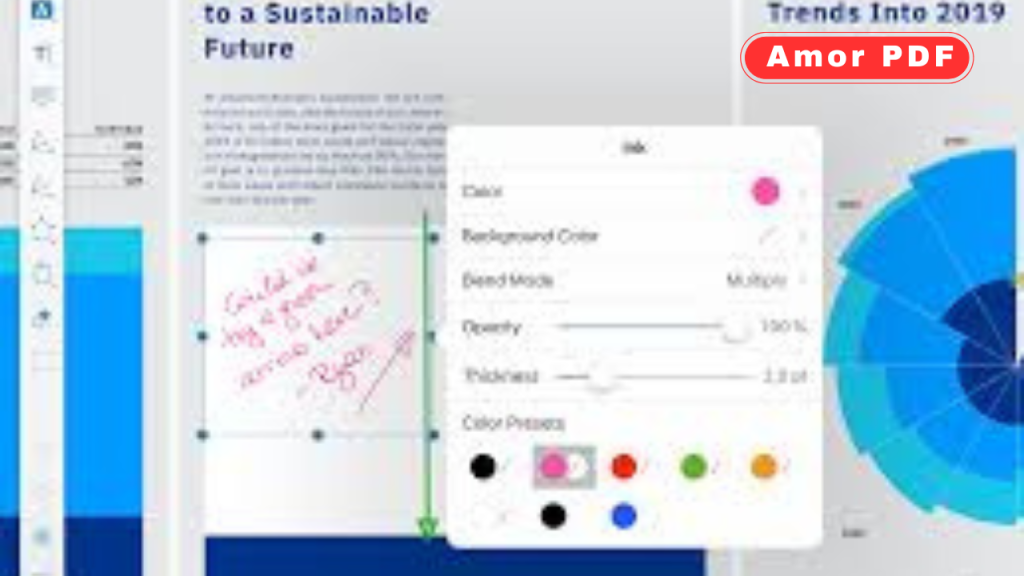
A good online PDF viewer in 2026 should offer clear text rendering and smooth page transitions. Zoom controls and page navigation are essential for comfortable reading.
Advanced viewers may also support search functionality, page thumbnails, and full-screen viewing. These features enhance the reading experience without adding complexity.
Security and privacy when viewing PDFs online
Security is a major concern when uploading documents online. Trusted PDF viewers use encrypted connections to protect files during processing.
Most reliable platforms automatically delete files after viewing, ensuring that user data is not stored permanently. Choosing a reputable service is key to maintaining privacy.
How online PDF viewers handle large files
Modern online PDF viewers are optimized to handle large PDF files efficiently. Instead of loading the entire document at once, they often render pages dynamically.
This approach reduces loading times and ensures smooth performance even with high-resolution or multi-page documents.
Using a PDF viewer without download on different devices
One of the biggest advantages of online PDF viewers is cross-device compatibility. They work seamlessly on Windows, macOS, Linux, Android, and iOS.
As long as you have a modern browser and an internet connection, you can view PDFs without worrying about system requirements.
PDF viewing vs PDF editing
It is important to distinguish between viewing and editing. Online PDF viewers focus on displaying documents accurately, while editing requires additional tools.
For users who only need to read or review documents, a PDF viewer without download is more than sufficient and avoids unnecessary features.
Why browsers alone are not always enough
While modern browsers can open PDFs, dedicated online PDF viewers often provide a better experience. Browser viewers may lack advanced navigation, performance optimization, or consistent rendering across devices.
Online PDF viewers are designed specifically for PDF handling, offering better reliability and usability.
How AmorPDF simplifies PDF viewing
AmorPDF provides a clean and user-friendly way to view PDF files online without downloading any software. Users simply upload their PDF and access it instantly in the browser.
The tool focuses on clarity, speed, and ease of use, making it suitable for both quick previews and detailed document reviews.
Advantages of using AmorPDF for PDF viewing
AmorPDF offers fast loading times and maintains document quality during viewing. It works directly in the browser, eliminating the need for installations or updates.
Additional benefits include device compatibility, simple interface, and secure handling of user files.
Best practices for online PDF viewing
To get the best experience, use an updated browser and a stable internet connection. Avoid uploading sensitive documents on untrusted networks.
Closing unused browser tabs can also improve performance, especially when viewing large PDFs.
Limitations of no-download PDF viewers
While online PDF viewers are highly convenient, they may not support advanced editing or annotation features. For complex document modifications, dedicated editing tools may still be required.
However, for viewing and reviewing documents, these limitations are minimal.
The future of PDF viewing
As web technologies continue to evolve, online PDF viewers will become even more powerful. Improved rendering, offline viewing options, and better accessibility features are expected in the coming years.
The trend clearly shows a move away from traditional desktop software toward lightweight, browser-based solutions.
Conclusion
Using a PDF viewer without download in 2026 is the smartest way to access documents quickly and securely. Online PDF viewers provide instant access, cross-device compatibility, and a smooth reading experience without consuming system resources. They are ideal for students, professionals, and anyone who needs fast and reliable PDF access. To learn more about PDF standards and document formats, you can also explore official information provided by Adobe at https://www.adobe.com.
FAQs
Can I view PDF files online without downloading software?
Yes, online PDF viewers allow you to open and read PDFs directly in your browser without installing any software.
Are online PDF viewers safe to use?
Trusted platforms use secure connections and automatically delete files, making them safe for everyday use.
Do online PDF viewers work on mobile devices?
Yes, most online PDF viewers are compatible with mobile browsers on Android and iOS.
Can I view large PDF files online?
Modern online PDF viewers are optimized to handle large files efficiently.
Do I need to create an account to view PDFs online?
Most online PDF viewers do not require registration and allow instant access.