Adding a watermark to a PDF is one of the most effective ways to protect documents, show ownership, and maintain brand identity. In 2026, users no longer need complex desktop software to watermark PDF files. Online
PDF tools now allow you to add text or image watermarks directly in your browser, quickly and securely, without downloads or installations. Check More Here: How to Remove Password from a PDF Safely in 2026
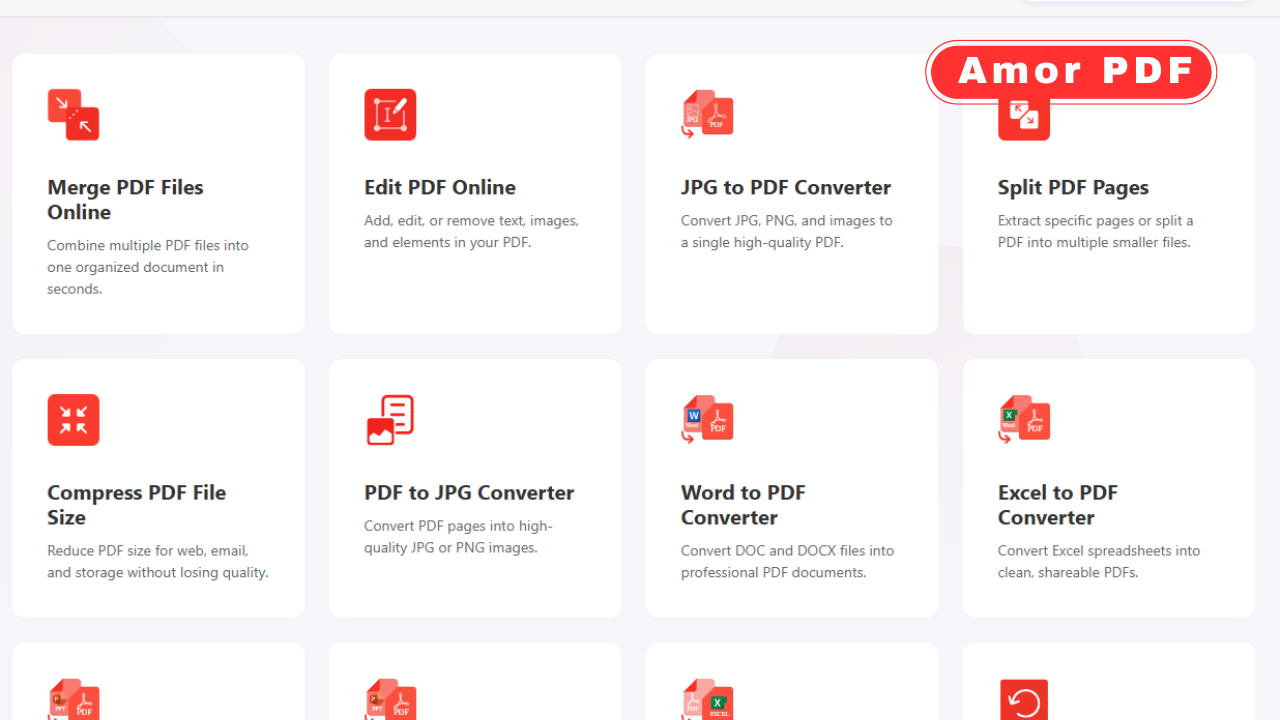
This guide explains how to add a watermark to PDF online in 2026, why watermarks are important, and how modern tools like AmorPDF make the process simple for everyone.
What is a PDF watermark
A PDF watermark is a visible text or image placed on a document to indicate ownership, confidentiality, or status. Common examples include words like “Confidential,” “Draft,” or a company logo.
Watermarks appear in the background of each page and do not interfere with the document’s main content.
Why adding a watermark to a PDF is important
Watermarks help protect intellectual property and prevent unauthorized reuse of documents. They are widely used for business reports, legal documents, academic papers, and marketing materials.
In 2026, watermarks are also used to reinforce branding and ensure documents are easily identifiable.
Types of PDF watermarks
There are two main types of watermarks. Text watermarks include words, phrases, or dates. Image watermarks include logos, stamps, or signatures.
Both types can be customized in terms of size, position, transparency, and rotation.
Benefits of adding watermarks online
Online PDF watermark tools eliminate the need for software installation. They work instantly in the browser and are accessible from any device.
Users can add watermarks from desktops, laptops, tablets, or smartphones with the same ease.
How online PDF watermark tools work
Online watermark tools allow users to upload a PDF, configure watermark settings, and download the updated file. The entire process usually takes only a few minutes.
Most tools provide a preview option so users can see how the watermark looks before applying it.
Step-by-step: Add watermark to PDF online
First, open an online PDF watermark tool in your browser. Upload your PDF file using drag and drop or file selection.
Next, choose the watermark type. Enter text for a text watermark or upload an image for an image watermark. Adjust size, opacity, position, and rotation as needed.
Apply the watermark and download the final PDF with the watermark added.
Customizing watermark appearance
Modern tools allow full customization. Users can change font style, color, transparency, and placement.
This ensures the watermark is visible without making the document hard to read.
Adding watermarks to multiple pages
Most online tools automatically apply the watermark to all pages of the PDF. This ensures consistent protection throughout the document.
Some tools also allow selective page watermarking if needed.
Why AmorPDF is ideal for adding watermarks
AmorPDF offers a clean and user-friendly interface for adding watermarks online. Users can upload files, customize watermarks, and download protected PDFs quickly.
The platform focuses on speed, simplicity, and accessibility for all users.
Add watermarks without losing PDF quality
Adding a watermark does not reduce the quality of the PDF. Text remains sharp, and images retain their resolution.
Online tools preserve the original layout while applying the watermark cleanly.
Security and privacy when watermarking PDFs online
Trusted online PDF tools use secure connections to protect uploaded files. Many platforms automatically delete files after processing.
This ensures user privacy and data safety.
When to use watermarked PDFs
Watermarked PDFs are commonly used for contracts, proposals, internal reports, educational materials, and branded content.
They are especially useful when sharing documents publicly or with external parties.
Watermarks vs PDF password protection
Watermarks indicate ownership and document status, while password protection restricts access. Both can be used together for stronger document security.
Combining these methods provides visual and technical protection.
Limitations of free watermark tools
Free tools usually cover basic watermarking needs. Advanced options like batch processing or complex layouts may require premium features.
For most users, free online watermark tools are sufficient.
Best practices for adding watermarks
Choose a watermark that is visible but not distracting. Use transparency to maintain readability.
Consistent placement across pages improves professionalism.
Add watermarks on any device
Online watermark tools are device-independent. Users can add watermarks from Windows, macOS, Android, or iOS devices.
This flexibility is ideal for modern workflows.
The future of PDF watermarking
In the future, watermark tools will include smarter placement and AI-based customization. Automation will make document protection even easier.
The goal remains fast, secure, and user-friendly PDF management.
Conclusion
Adding a watermark to a PDF online in 2026 is a simple and effective way to protect documents, maintain branding, and communicate document status. Online tools remove the need for downloads, preserve file quality, and work across all devices. Platforms like AmorPDF make watermarking PDFs fast, secure, and accessible for everyone. For official information about PDF standards and document security, you can explore resources provided by Adobe at https://www.adobe.com.
FAQs
Can I add a watermark to a PDF online for free?
Yes, many online tools allow free watermarking of PDF files.
Do I need to install software to add a watermark?
No, online tools work directly in the browser without downloads.
Will watermarking reduce PDF quality?
No, watermarking does not affect text or image quality.
Can I use an image or logo as a watermark?
Yes, most tools support both text and image watermarks.
Is it safe to upload PDFs online for watermarking?
Trusted platforms use secure connections and delete files after processing.