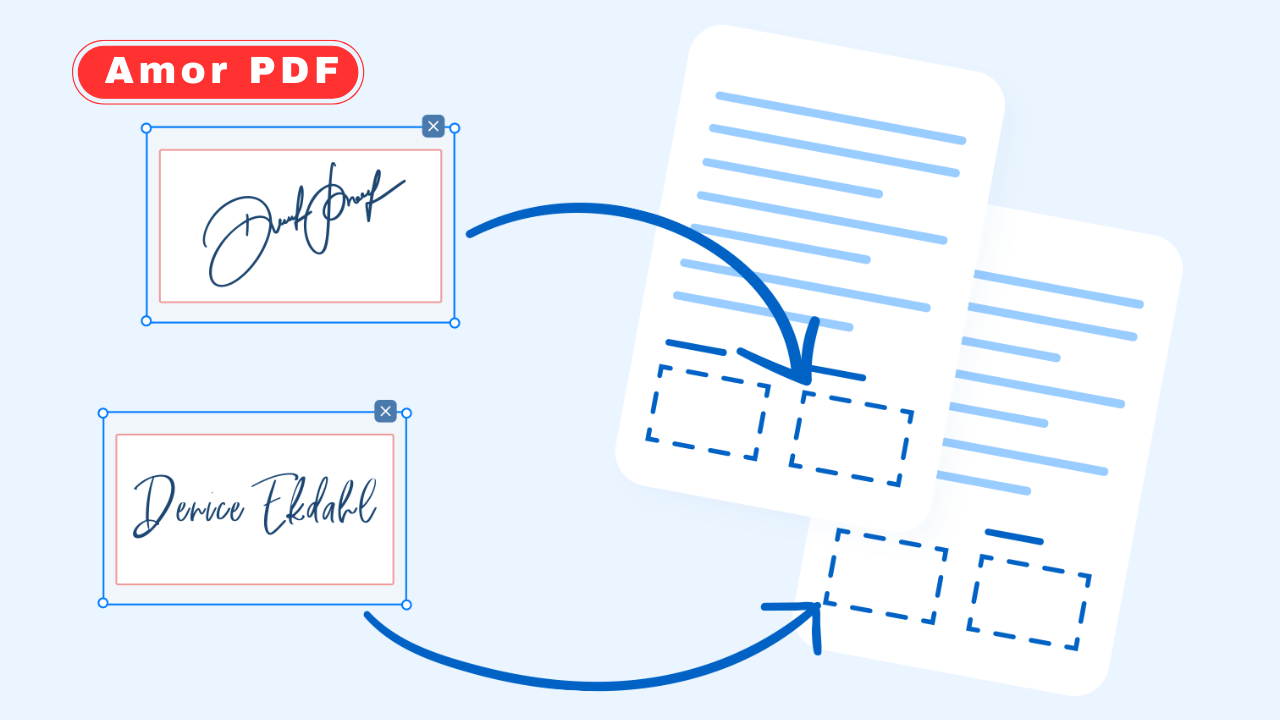
Adding a signature to a PDF online has become a basic digital skill in 2026. From signing contracts and school forms to approving documents for work or gaming-related collaborations, users now prefer fast, paperless solutions.
Online PDF signature tools make it possible to sign documents securely without installing software or printing anything. Check More Here: How to Add Password to PDF in 2026
This guide explains how to add a signature to a PDF online in 2026 using safe, legal, and beginner-friendly methods. Whether you are using a PC, tablet, or mobile device, you will learn how to sign PDFs quickly while keeping your documents secure.
Why signing PDFs online is so common in 2026
Digital documents have replaced paper in most industries. Remote work, online education, freelance projects, and digital gaming partnerships all rely heavily on PDF files.
Online signatures save time, reduce paperwork, and allow instant document sharing across platforms. In 2026, most organizations accept digitally signed PDFs as legally valid, making online signing a standard practice.
What is an online PDF signature
An online PDF signature is a digital mark added to a PDF document to confirm identity, approval, or agreement. It can be created in several ways, such as typing your name, drawing your signature, or uploading an image of your handwritten signature.
These signatures are embedded directly into the PDF file and can be saved, shared, or downloaded instantly.
Is it safe to sign PDFs online
Security is a major concern when dealing with important documents. Reputable online PDF tools use encryption and secure servers to protect uploaded files.
To stay safe, always use trusted platforms, avoid unknown websites, and never upload sensitive documents to services without clear privacy policies.
Different ways to add a signature to a PDF online
There are multiple methods available in 2026, each suitable for different users and situations.
Typed signatures are fast and professional-looking, ideal for formal documents.
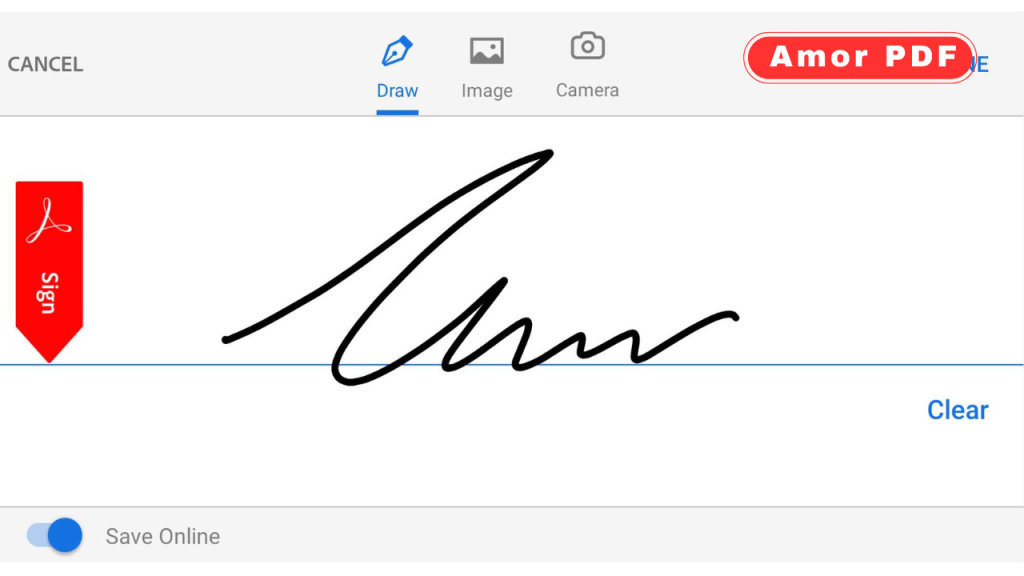
Drawn signatures allow you to sign using a mouse, touchpad, or touchscreen, making them feel more personal.
Image-based signatures let you upload a scanned or photographed handwritten signature for repeated use.
How to add a typed signature to a PDF online
Typed signatures are the easiest option for beginners. Most online PDF tools allow you to type your name and choose a signature-style font.
After typing your name, you can resize and place the signature anywhere on the document before saving it.
How to draw a signature on a PDF online
Drawing a signature is popular for users who want a handwritten feel. You can draw your signature using a mouse, stylus, or finger on a touchscreen.
Once drawn, the signature can be adjusted in size and position to fit perfectly on the PDF.
How to upload an image signature to a PDF
Uploading an image signature is ideal if you already have a scanned or photographed signature. This method allows consistent signing across multiple documents.
Make sure the image has a transparent or white background for a clean appearance.
Signing PDFs on mobile devices
In 2026, mobile signing is more common than desktop signing. Most online PDF tools are optimized for smartphones and tablets.
Using touchscreens makes drawing signatures easier and more natural, especially for quick approvals on the go.
Adding signatures to PDFs without creating an account
Many online tools allow signing PDFs without registration. This is useful for one-time use or quick tasks.
However, creating an account can offer benefits such as saved signatures, document history, and better security options.
Free vs paid online PDF signature tools
Free tools usually allow basic signing features with limits on file size or number of documents.
Paid tools offer advanced features such as signature verification, audit trails, and cloud storage integration.
For casual users, free tools are often more than enough.
Legal validity of online PDF signatures
In most countries, digital signatures on PDFs are legally valid as long as they meet certain requirements.
These typically include user consent, identity confirmation, and document integrity. Many online tools follow international e-signature standards to ensure compliance.
Common mistakes to avoid when signing PDFs online
Users often forget to save the final document after signing.
Another common mistake is placing the signature in the wrong section of the document.
Always double-check the signed PDF before sending it to avoid delays or rejections.
How to keep your signed PDFs secure
After signing, store your PDFs in secure cloud storage or encrypted folders.
Avoid sharing signed documents through unsecured links or public platforms.
Maintaining good digital hygiene protects your identity and documents.
Why gamers and content creators also use PDF signatures
In the gaming industry, PDF signatures are commonly used for sponsorship agreements, tournament registrations, freelance contracts, and content collaborations.
Online signing allows gamers and creators to work with global partners without delays.
The future of online PDF signatures
In 2026, online signatures continue to evolve with better security, faster processing, and AI-assisted verification.
Biometric signatures and identity-linked signing systems are becoming more common, making digital signing even more reliable.
Conclusion
Adding a signature to a PDF online in 2026 is fast, simple, and secure when using the right tools. Whether you type, draw, or upload your signature, online PDF signing eliminates paperwork and speeds up approvals across work, education, and gaming-related activities. By choosing trusted platforms and following basic security practices, users can confidently sign PDFs from any device. For official guidance and professional PDF signing solutions, you can also explore information available on https://www.adobe.com.
FAQs
Can I add a signature to a PDF online for free?
Yes, many online tools allow free PDF signing with basic features.
Do I need to install software to sign a PDF online?
No, online PDF tools work directly in your browser without installation.
Are online PDF signatures legally valid?
In most regions, online signatures are legally accepted if proper standards are followed.
Can I sign PDFs on my phone?
Yes, most online PDF signature tools are mobile-friendly and support touch input.
Is it safe to upload documents to online PDF tools?
It is safe when using reputable platforms with clear privacy and security policies.