Large PDF files can be frustrating. They take longer to upload, are difficult to email, and may be rejected by platforms with file size limits. Check More Here: How to Add Watermark to PDF Online in 2026
In 2026, reducing PDF size online has become simple, fast, and accessible to everyone thanks to modern browser-based tools that work without downloads or technical knowledge.
This guide explains how to reduce PDF size online in 2026, why PDFs become large, and how to compress them safely without losing important quality.
Why PDF files become large
PDF files grow in size for several common reasons. High-resolution images, embedded fonts, scanned pages, and complex layouts all contribute to larger file sizes.
Documents created from scanners or design software are especially prone to being oversized.
Benefits of reducing PDF size online
Reducing PDF size online offers multiple advantages. Smaller PDFs are easier to share, faster to upload, and more compatible with email services and online forms.
Online compression tools also eliminate the need for installing software, saving time and storage space.
What does PDF compression mean
PDF compression is the process of optimizing a PDF file by reducing image resolution, removing unnecessary metadata, and restructuring internal elements while keeping the document readable and usable.
Good compression balances file size reduction with acceptable visual quality.
Types of PDF compression
There are generally two types of compression used online. Lossless compression reduces file size without affecting visible quality, while lossy compression slightly reduces quality to achieve much smaller file sizes.
Most online tools allow you to choose between standard, medium, or high compression levels.
How online PDF compression tools work
Online PDF compressors process files directly in your browser or through secure cloud servers. You upload a PDF, select compression settings, and download the optimized file within seconds.
Modern tools automatically analyze the document to apply the most efficient compression.
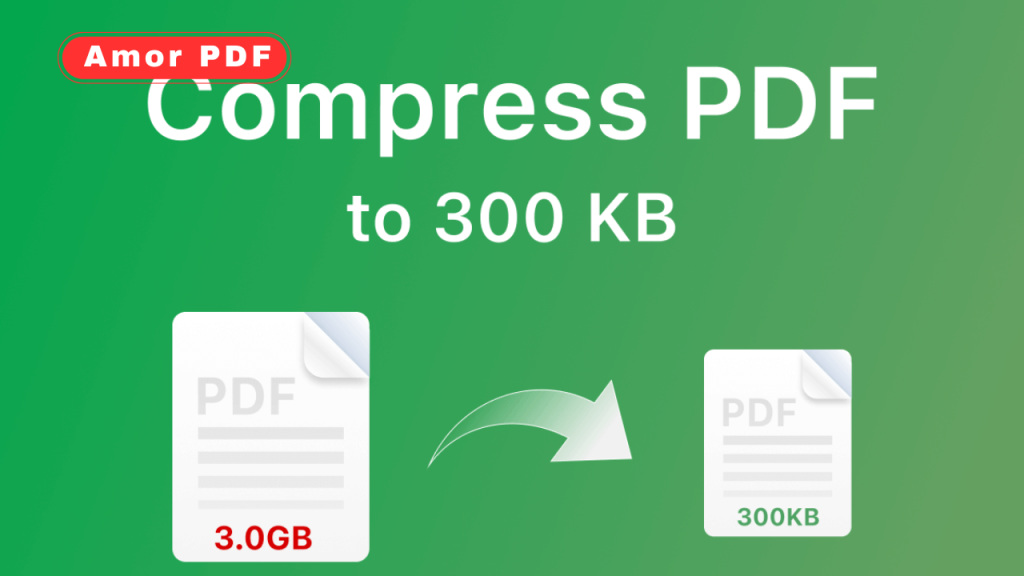
Step-by-step: Reduce PDF size online
First, open a trusted online PDF compression tool in your browser. Upload your PDF file using drag and drop or file selection.
Next, choose the compression level depending on whether you prioritize quality or file size. Start the compression process and wait a few seconds.
Finally, download the reduced-size PDF and use it for sharing or uploading.
Reducing PDF size without losing quality
In many cases, PDF size can be reduced significantly without noticeable quality loss. Removing hidden metadata, optimizing fonts, and compressing images intelligently helps preserve clarity.
Text-based PDFs usually compress very well without any visible changes.
Compressing scanned PDFs
Scanned PDFs often have the largest file sizes because each page is treated as an image. Online tools can reduce resolution and apply image optimization to dramatically shrink these files.
This is especially useful for scanned contracts, receipts, and documents.
PDF compression on any device
Online PDF compression tools work across all devices. You can reduce PDF size from Windows, macOS, Linux, Android, or iOS as long as you have a browser and internet connection.
This flexibility is ideal for remote work and mobile productivity.
Is it safe to compress PDFs online
Trusted PDF tools use secure HTTPS connections and often delete uploaded files automatically after processing. This ensures your documents remain private.
Always choose reputable platforms and avoid tools that store files permanently.
When to reduce PDF size
PDF size reduction is useful when emailing files, uploading documents to websites, sharing on cloud platforms, or archiving large collections of files.
Many official portals and email services enforce strict file size limits.
PDF size reduction vs splitting PDFs
If compression alone is not enough, splitting a large PDF into smaller parts can help. However, compression is usually the best first step because it keeps the document intact.
Many online tools offer both features.
Common mistakes to avoid
Over-compressing can make images blurry or text hard to read. Always preview the compressed file before final use.
Avoid compressing repeatedly, as this may degrade quality over time.
Best practices for PDF compression
Choose the lowest compression level that meets your size requirements. Keep a backup of the original file in case you need full quality later.
For business or legal documents, prioritize readability over extreme size reduction.
Future of PDF compression in 2026 and beyond
In 2026, PDF compression tools continue to improve with smarter algorithms and AI-assisted optimization. These tools automatically detect content types and apply the best compression method.
The goal is faster processing, better quality retention, and improved security.
Conclusion
Reducing PDF size online in 2026 is quick, secure, and effective. Online PDF compression tools allow users to shrink file sizes without installing software, making document sharing easier and more efficient. By choosing the right compression level and trusted tools, you can reduce PDF size while maintaining quality and readability. For official guidance on PDF standards and document optimization, you can explore resources from Adobe at https://www.adobe.com.
FAQs
Can I reduce PDF size online for free?
Yes, many online tools allow free PDF compression.
Will compressing a PDF reduce its quality?
Light to medium compression usually keeps quality intact.
Do I need to install software to compress PDFs?
No, online tools work directly in the browser.
Is it safe to upload PDFs online?
Trusted platforms use secure connections and delete files after processing.
Can I compress PDFs on mobile devices?
Yes, online tools work on smartphones and tablets.